
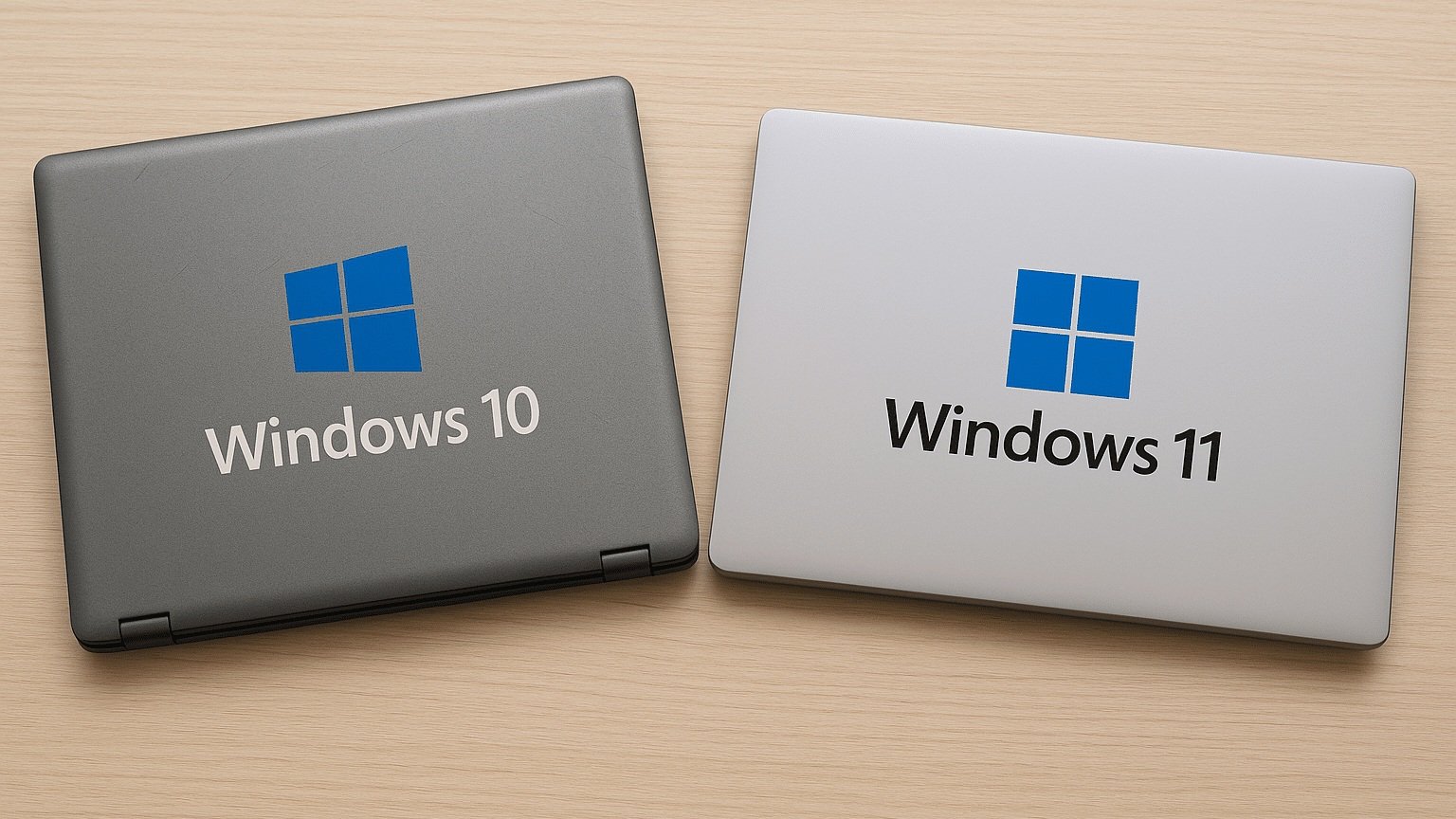
Windows 10 support has ended — here’s what to do now
Microsoft ended support for Windows 10 on 14 October 2025. That date has passed — so if any of your business devices are still running Windows 10, they are now an unsupported operating system: no more security updates, no bug fixes, and no technical support from Microsoft.
Key takeaways
- Microsoft ended Windows 10 support on 14 October 2025 — devices still running it receive no security updates, bug fixes or technical support.
- There are three real options: upgrade eligible PCs to Windows 11 for free, replace devices that fail the hardware requirements, or buy time with Extended Security Updates (ESU).
- Windows 11 requires TPM 2.0, UEFI Secure Boot and a supported 64-bit CPU — devices roughly five years old or older often cannot upgrade, however well they still perform.
- Business ESU runs to October 2028, priced per device from around US$61 in year one and doubling each year — a bridge, not a destination.
- Unsupported Windows 10 machines sit outside what most insurance policies and MAS-regulated sector requirements expect.
- Include the forgotten devices — POS terminals, kiosks, meeting-room PCs and older servers — in the same migration project.
If that’s you, you’re not alone. At the deadline, roughly half of business Windows devices were still on Windows 10 — many of them because the hardware can’t simply be upgraded. But “common” isn’t “safe”: every month on an unsupported OS widens your exposure. This guide lays out your real options, how to tell which devices can move, and how to run a Windows 11 migration cleanly across your Singapore offices.
What “end of support” actually means
A Windows 10 device still switches on and runs — that’s what makes this risk easy to ignore. But from 14 October 2025 it:
- Stops receiving security patches — newly discovered vulnerabilities are never fixed, and unsupported machines are a known target for attackers.
- Stops getting fixes and updates, so problems accumulate and compatibility slowly degrades.
- Sits outside what most insurance policies and regulated-sector requirements expect — supported, patched systems are a baseline assumption under MAS Technology Risk Management guidelines and most IT audit frameworks. Running unsupported software can complicate a claim or an audit.
The practical takeaway: unsupported endpoints are now the weakest link in your environment, and the fix is a plan — not a panic.
Your three options
There are only three real paths, and most businesses use a mix of all three:
1. Upgrade eligible PCs to Windows 11 (free). If a device meets the Windows 11 hardware bar, the in-place upgrade is free and relatively quick. This covers your newer machines.
2. Replace the devices that can’t run Windows 11. This is the big one. The Windows 11 requirements — particularly TPM 2.0 and the supported-CPU list — mean many devices roughly five years old or older simply aren’t eligible, regardless of how well they still perform. Those need replacing, which makes this as much a hardware-refresh and procurement exercise as a software upgrade.
3. Buy time with Extended Security Updates (ESU) — as a bridge, not a destination. Microsoft’s commercial ESU programme provides critical security updates for up to three years (to October 2028), priced per device — starting at around US$61 for the first year and doubling each year after (so roughly $122, then $244). A consumer ESU option ran for a single year, to October 2026. ESU buys breathing room for devices you genuinely can’t migrate yet, but the doubling price is deliberately designed to push you to migrate — treat it as a stopgap for a defined subset, not a strategy.
Is your hardware ready for Windows 11?
Windows 11 has a firm hardware floor:
- A compatible 64-bit processor on Microsoft’s supported list (1 GHz+, 2+ cores)
- TPM 2.0 and UEFI with Secure Boot enabled
- 4 GB RAM or more and 64 GB storage or more
Microsoft’s free PC Health Check tool gives a quick per-device yes/no. In practice the blocker is rarely RAM or storage — it’s the CPU generation and TPM, which is why fleet age, not spec sheet, usually decides what gets upgraded versus replaced.
How to plan a Windows 11 migration
A migration is a project, not a switch you flip. The sequence we use:
- Audit your device estate. A full inventory of every Windows device — desktops, laptops, servers, and the edge devices that get forgotten (POS terminals, kiosks, meeting-room PCs) — with make, model, CPU, RAM and OS.
- Check Windows 11 compatibility. Run each device against the requirements above and split the fleet into upgrade-eligible vs replace.
- Decide upgrade, replace, or bridge per device. Upgrade eligible PCs in place, schedule ineligible ones for replacement, and flag the few that genuinely need ESU as a short bridge.
- Procure replacement hardware to a vendor-neutral standard — planning lead times across your Singapore office locations.
- Pilot, then roll out in phases. Validate the build and critical apps with a pilot group, then deploy with Microsoft Intune / Autopilot, prioritising the highest-risk and highest-value teams first.
- Migrate data, then decommission. Back up and migrate user data and settings, confirm everything works, then securely wipe and retire the old devices.
Don’t forget the rest of the estate
The Windows 10 deadline isn’t only about staff laptops. Check the devices that quietly run Windows in the background:
- Meeting-room systems — room PCs, digital signage and booking panels often run embedded Windows.
- POS terminals, reception kiosks and information screens.
- Servers — Windows Server 2012/2012 R2 is already end-of-life, and older server estates often share the same refresh window.
Bundling these into the same project avoids a second round of disruption later.
Running the migration across multiple offices
If your business runs offices across Singapore — or has regional presence in Hong Kong and Mainland China through the wider PTS group — a refresh is far smoother as one coordinated project than as separate local scrambles. We ensure:
- Consistent standards across all sites, so every location ends up on the same supported build.
- Coordinated procurement and scheduling, avoiding the bottlenecks that come from uncoordinated local purchasing.
- Microsoft 365 considerations reviewed across the full tenant, including Intune device compliance policies that will flag unsupported OS versions.
How PTS handles it
This is core managed IT and IT support work for us — we run Windows 11 migrations end to end so your team doesn’t have to:
- Device audit and compatibility assessment across every site
- Vendor-neutral hardware procurement and lifecycle planning
- Intune / Autopilot deployment, data migration and app validation
- Cloud and Microsoft 365 security hardening as part of the rebuild
- ESU set-up for the specific devices that genuinely need a bridge
- The server estate brought along in the same plan
We’ll give you a clear, costed plan that fits your budget and timeline — and gets you off unsupported Windows without grinding the business to a halt.
Common questions
Can I keep using Windows 10? Technically yes, the devices still run — but with no security patches they’re an escalating risk, and increasingly outside what insurers and MAS-regulated sector requirements expect. Treat continued use as a managed, time-boxed exception, not a plan.
Is the upgrade to Windows 11 free? Yes, for devices that meet the hardware requirements — the in-place upgrade carries no licence cost. The cost lands on the devices that don’t qualify and need replacing.
What is Windows 10 ESU and what does it cost? Extended Security Updates deliver critical patches beyond end of support — for businesses, up to October 2028, priced per device starting around US$61 in year one and doubling each year. It’s a bridge for devices you can’t migrate yet, not a long-term fix.
How long does a migration take? It depends on fleet size and how many devices need replacing, but most SME migrations run over several weeks once hardware is in hand — which is exactly why starting now matters.
Ready to get your Singapore business off unsupported Windows? Contact PTS for a device audit and migration plan, or learn more about our IT support and IT procurement services.
Frequently asked questions
Can I keep using Windows 10 after October 2025?
Technically yes — Windows 10 devices still switch on and run, which is exactly what makes the risk easy to ignore. But with no security patches, every month on the unsupported OS widens your exposure, and unsupported machines are a known target for attackers. Continued use also sits outside what most insurers and MAS-regulated sector requirements expect. Treat it as a managed, time-boxed exception while you migrate, not a plan.
Is the upgrade from Windows 10 to Windows 11 free?
Yes, for devices that meet the Windows 11 hardware requirements — the in-place upgrade carries no licence cost and is relatively quick. The real cost lands on the devices that do not qualify: machines without TPM 2.0 or a supported CPU need replacing, which makes the deadline as much a hardware-refresh and procurement exercise as a software upgrade.
How much do Windows 10 Extended Security Updates (ESU) cost?
The commercial ESU programme is priced per device, starting at around US$61 for the first year and doubling each year after — roughly $122 in year two and $244 in year three — running to October 2028. A consumer option ran for a single year, to October 2026. The doubling price is deliberately designed to push you towards migration, so treat ESU as a stopgap for a defined subset of devices, not a strategy.
How do I check if my PC can run Windows 11?
Run Microsoft’s free PC Health Check tool for a per-device yes or no. Windows 11 requires a compatible 64-bit processor on Microsoft’s supported list, TPM 2.0, UEFI with Secure Boot enabled, at least 4 GB of RAM and 64 GB of storage. In practice the blocker is rarely RAM or storage — it is the CPU generation and TPM, which is why fleet age, not spec sheet, usually decides what gets upgraded versus replaced.
Tags: